Problems
Why make a change?
Clients built budgets in Excel or on paper. Every cycle meant re-entering data and reconciling disconnected sheets.
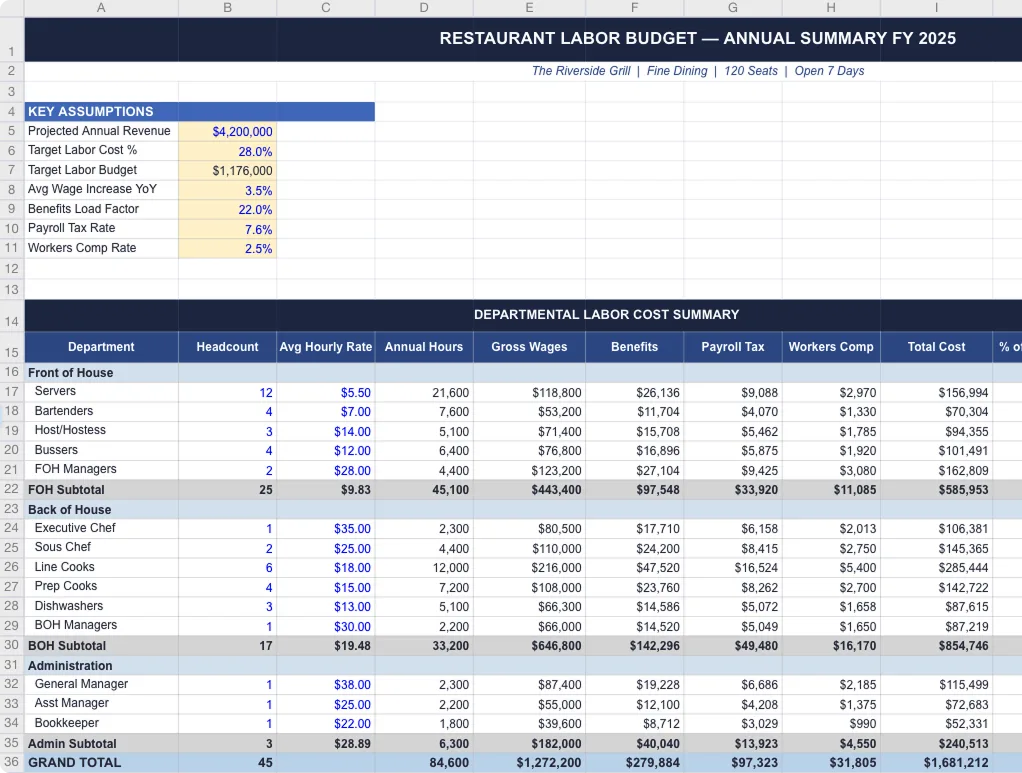
Problem Statement
How might we help operators make staffing decisions with confidence, using numbers they trust?
User Needs
What operators told us, onsite.
- data points
- 6,000+
- interviews
- 12
- key findings
- 11
“I print the schedule and write costs in pen.”
Existing State
Manual and disconnected from scheduling.
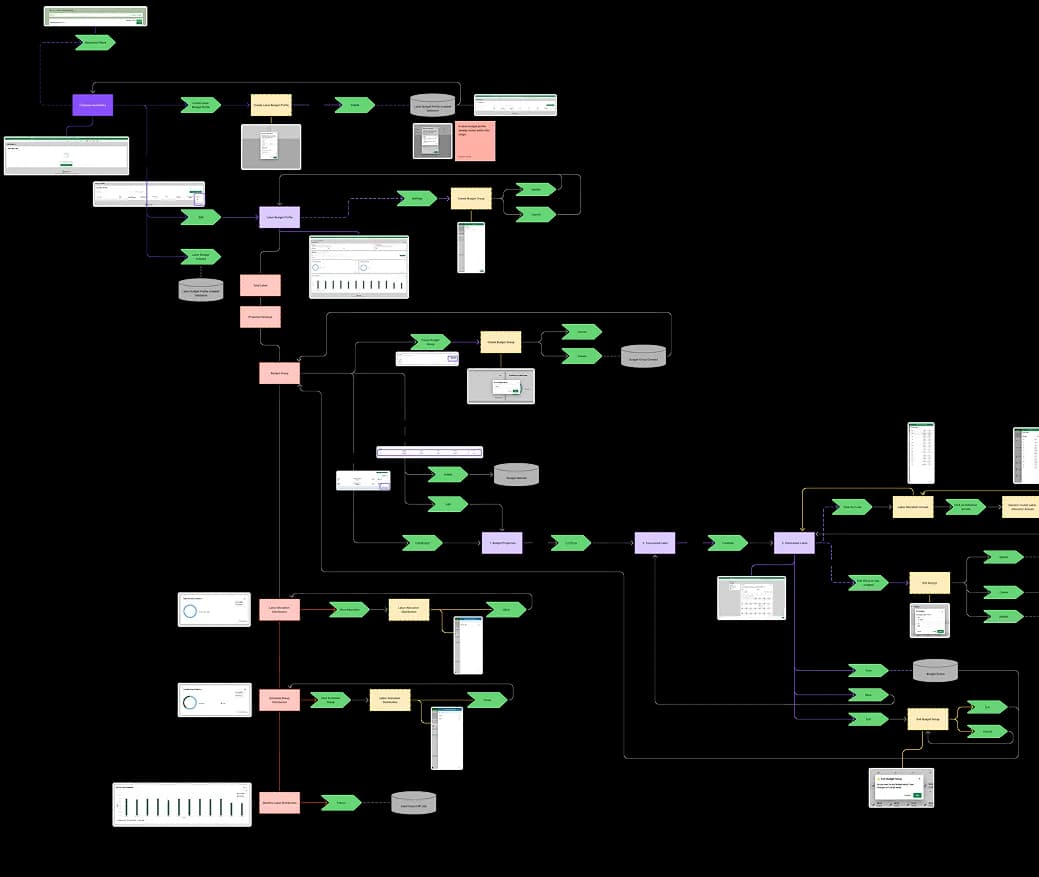
Existed
- Revenue-based budgeting
- Hours-based budgeting
- Hybrid model support
- Org hierarchy sync
- Historical revenue data
- Historical labor data
- Manual overrides
Missing
- Real-time schedule sync
- Inline scheduling guidance
- Agentic recommendations
- Integration with live systems
Competitor Research
How adjacent tools handle forecasting and scheduling.
Heuristic assessment of public product surfaces, scored Low / Medium / High by decision support and recommendation clarity.
Solution 1
Smart defaults that autofill the setup process.
Design Challenge 1
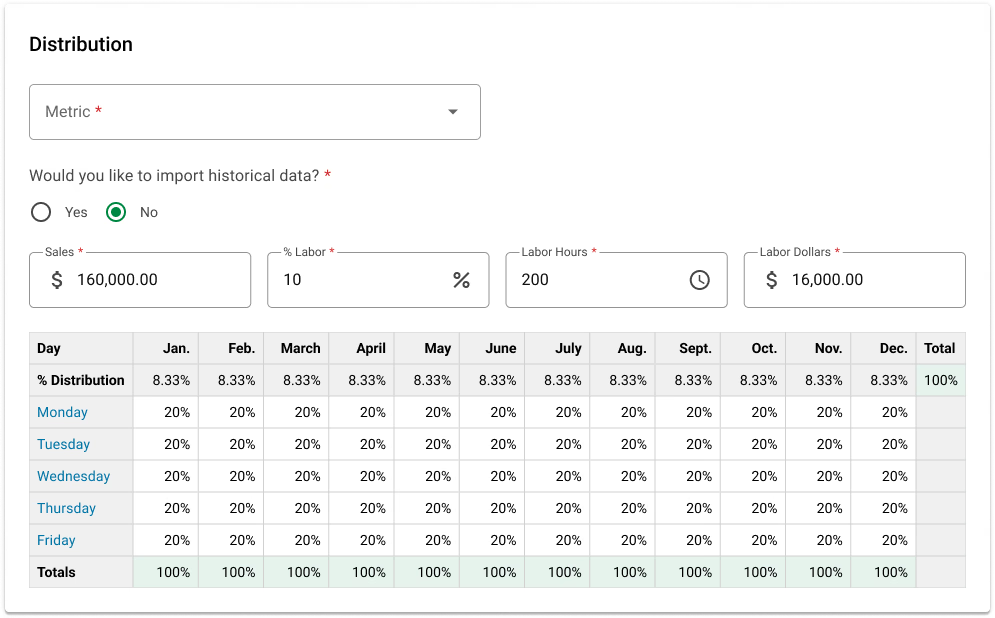
Simplifying Distribution.
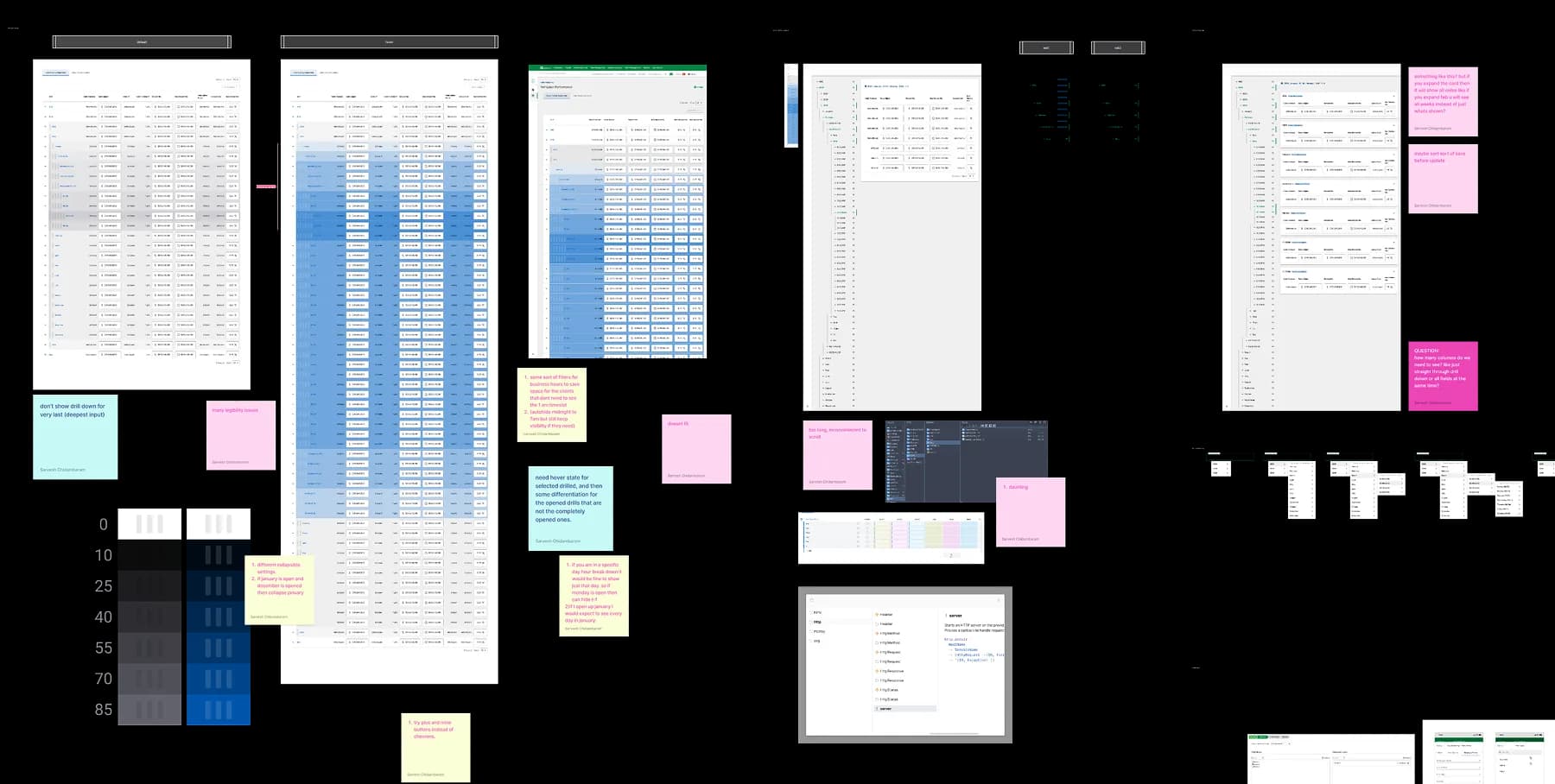
Picture an umbrella rental shop. You'd put 75% of your annual budget into summer. Then 75% of that into weekends. Then 60% into peak afternoon hours. Each decision shapes how many people you hire and when.
Design Challenge 2
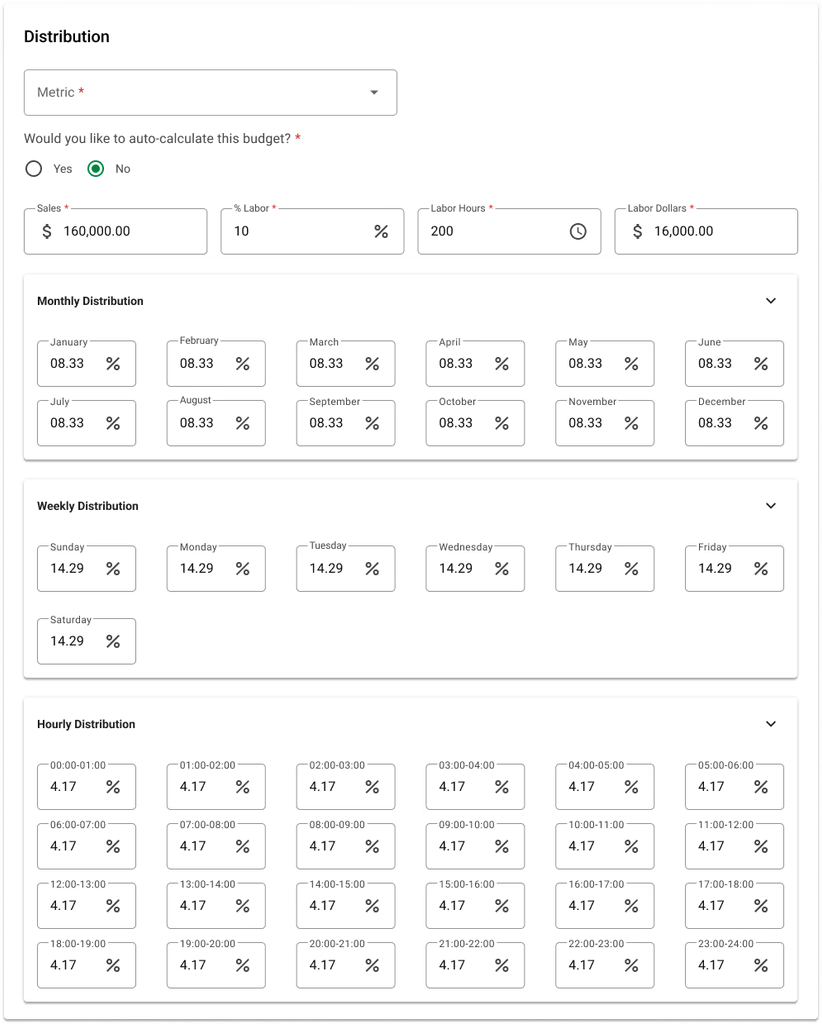
Manual before agentic.
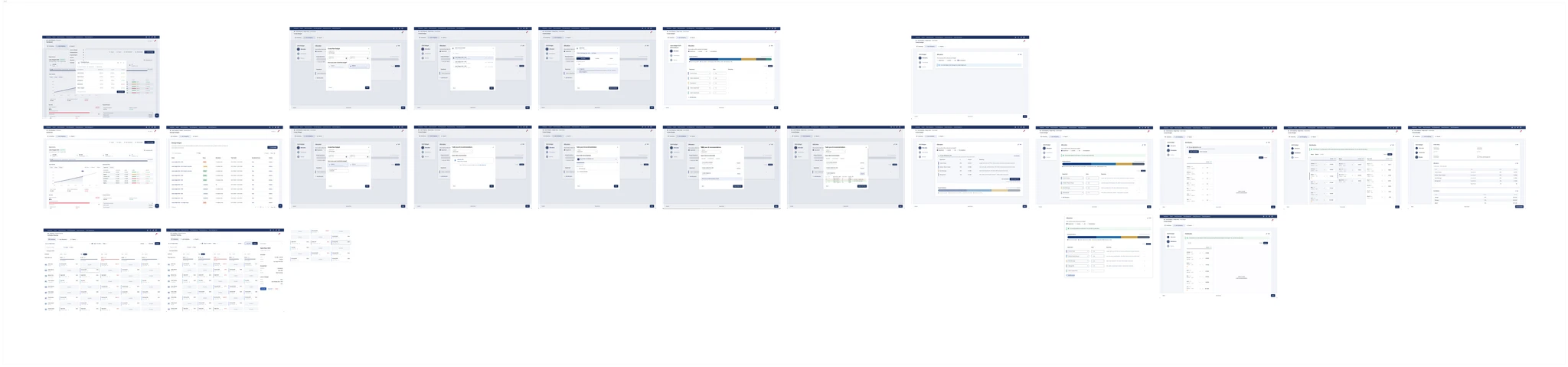
The first 4 months were manual kept setup clean before we handed inputs and outputs to ML.
Solution 2
Decision guidance inside scheduling.
Design Challenge 1
Documenting current state.
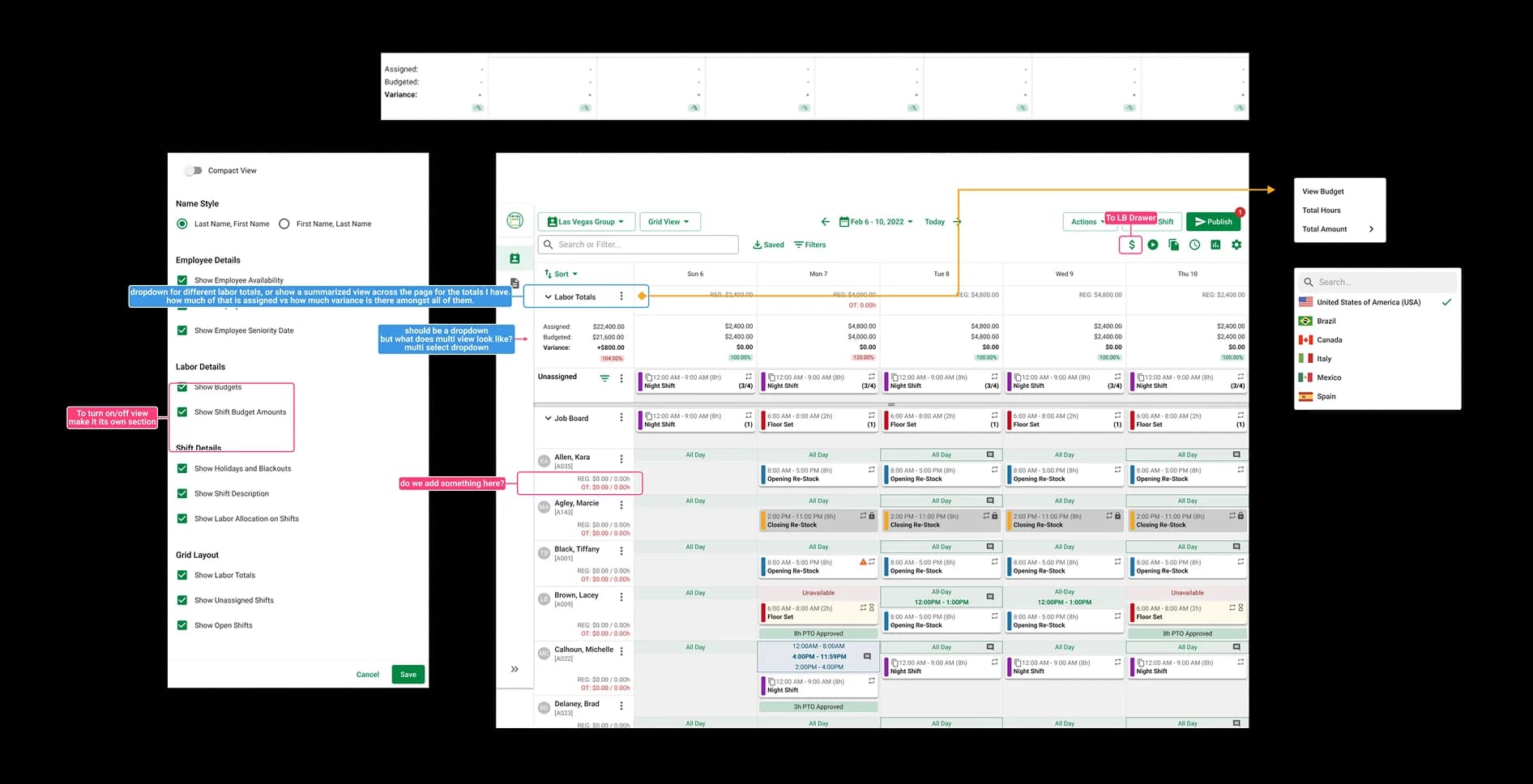
The scheduling grid predated design systems department entirely and had no docs. We mapped patterns, states, and components.
Design Challenge 2
Building the system.
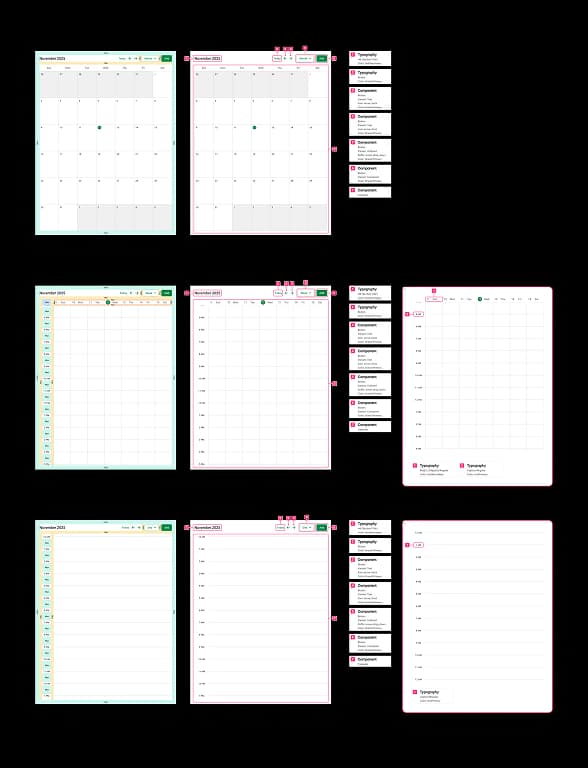
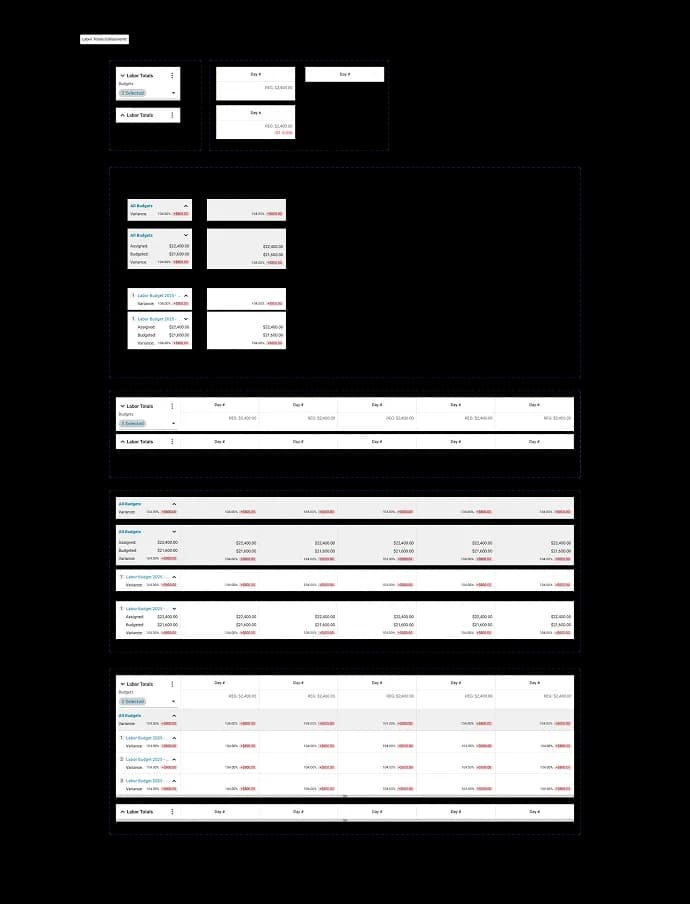
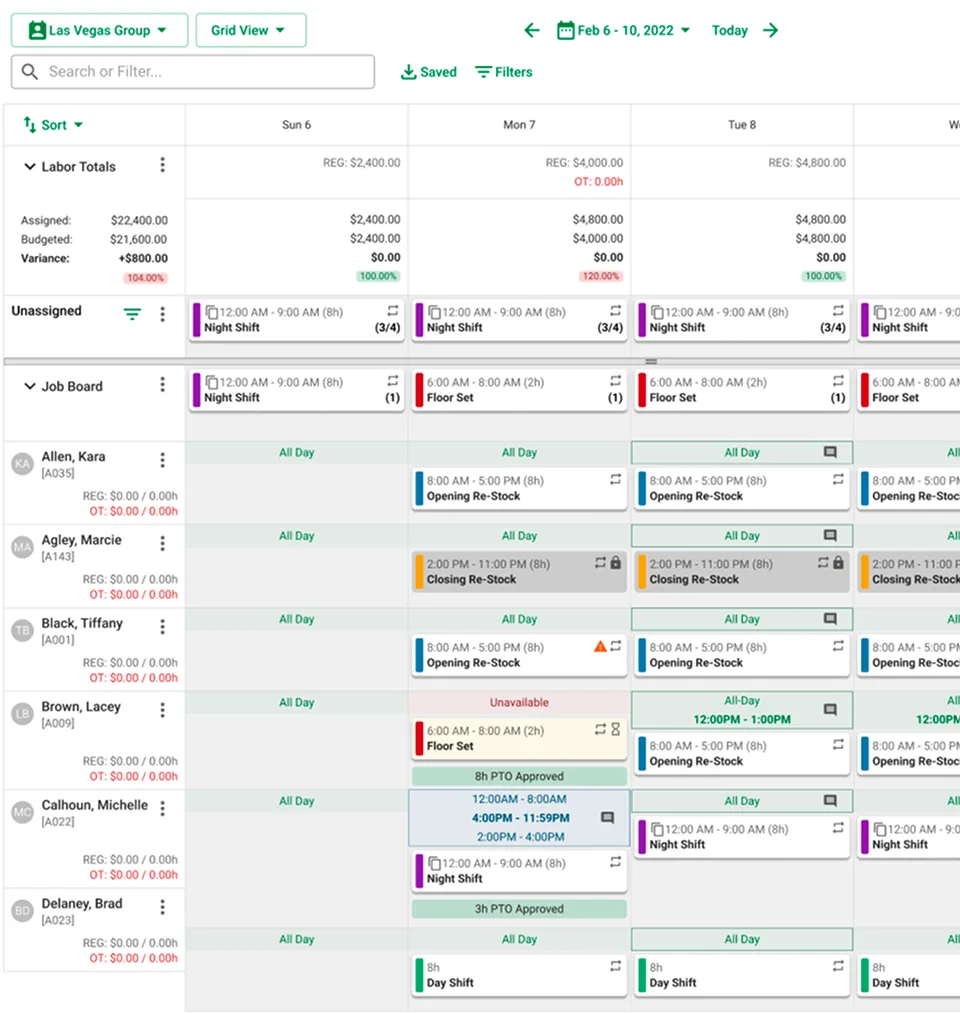
We rebuilt the grid atomically from the ground up for budgeting, then helped engineering ship it to the global library for QA.
Building Together
Same room. Every sprint.
Devs, PMs, and design systems worked together. We resolved logic with engineers, built components with systems, and iterated with the PM all in the same cycle.
Spec & Design
Takeaways
Collaboration drove the strongest decisions
Manual-first design made AI possible
Trust requires transparency at point of decision
Resilience under organizational change
Design systems as a force multiplier
Setup is a conversation, not a form