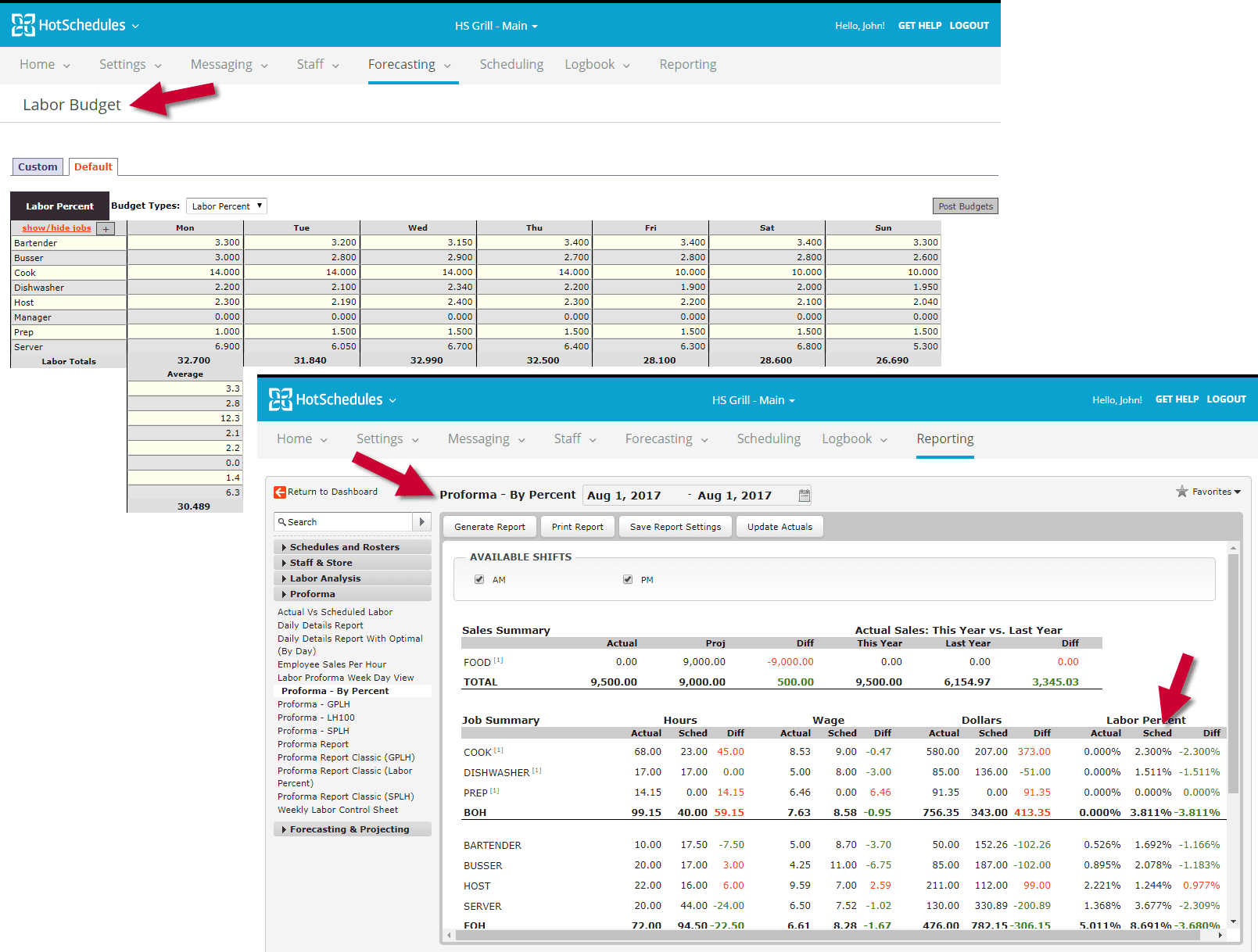
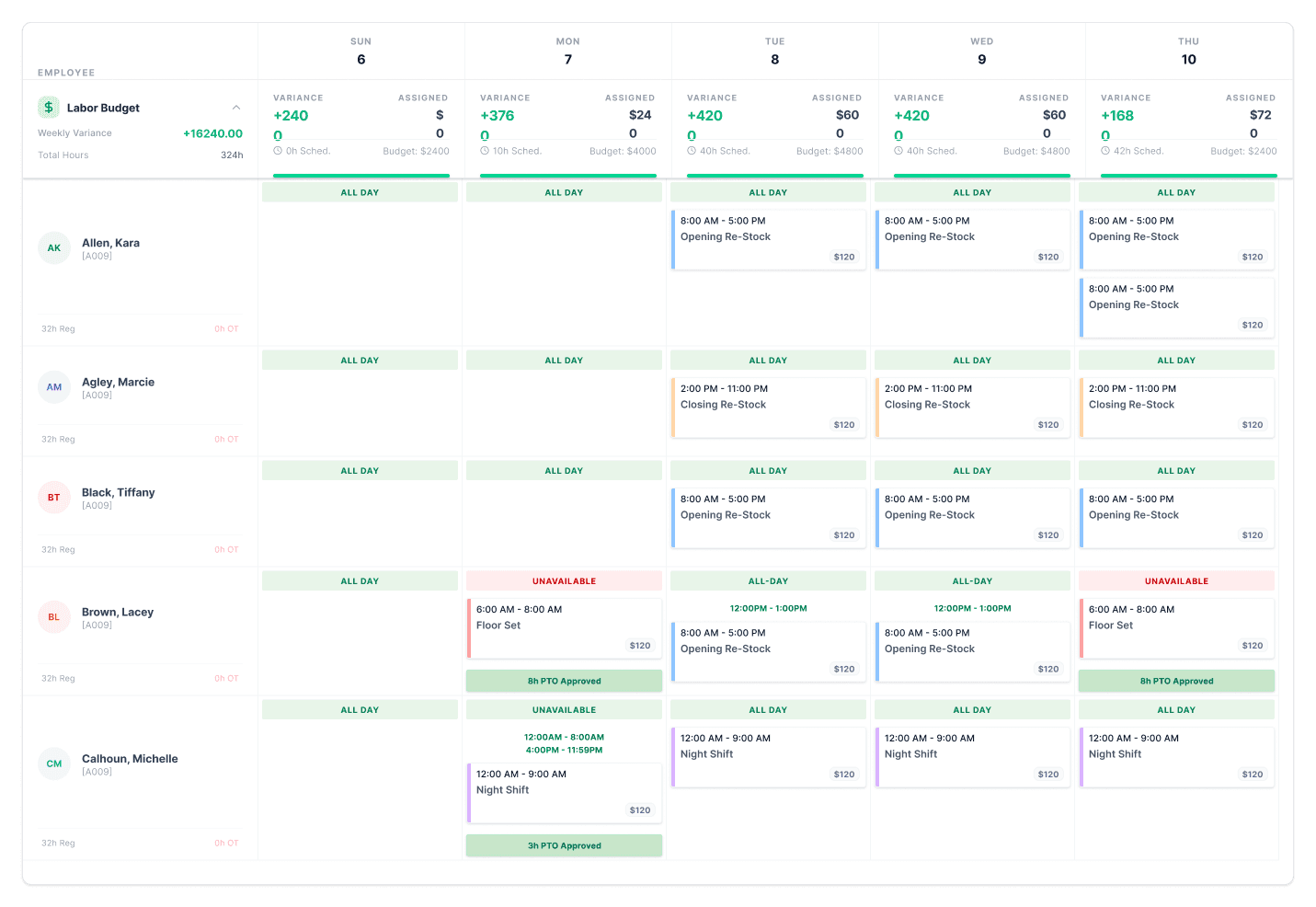
Excluding PTO on MS Grid is Not Real Time Effecting Labor TotalsPTO hours count toward the employee’s labor totals even when excluded from the Manage Schedules grid, causing confusion in real-time labor tracking.Labor BudgetingData Reporting & Handling
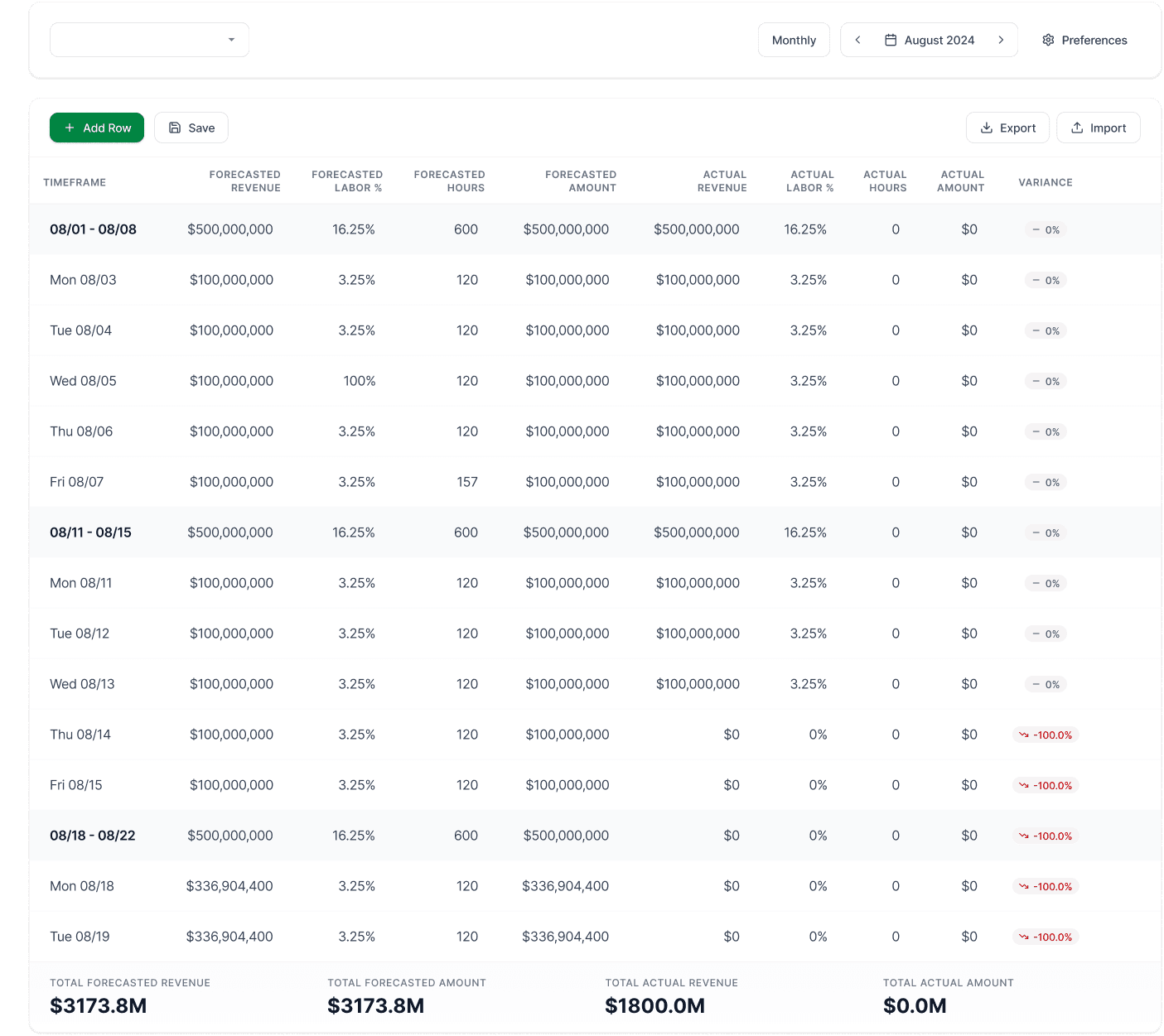
Labor Budgeting – Projected Revenue by WeekCurrent functionality does not support incremental uploads for labor budgets by period or week. Retail clients need weekly updates due to fluctuating demand.Labor BudgetingData Reporting & Handling
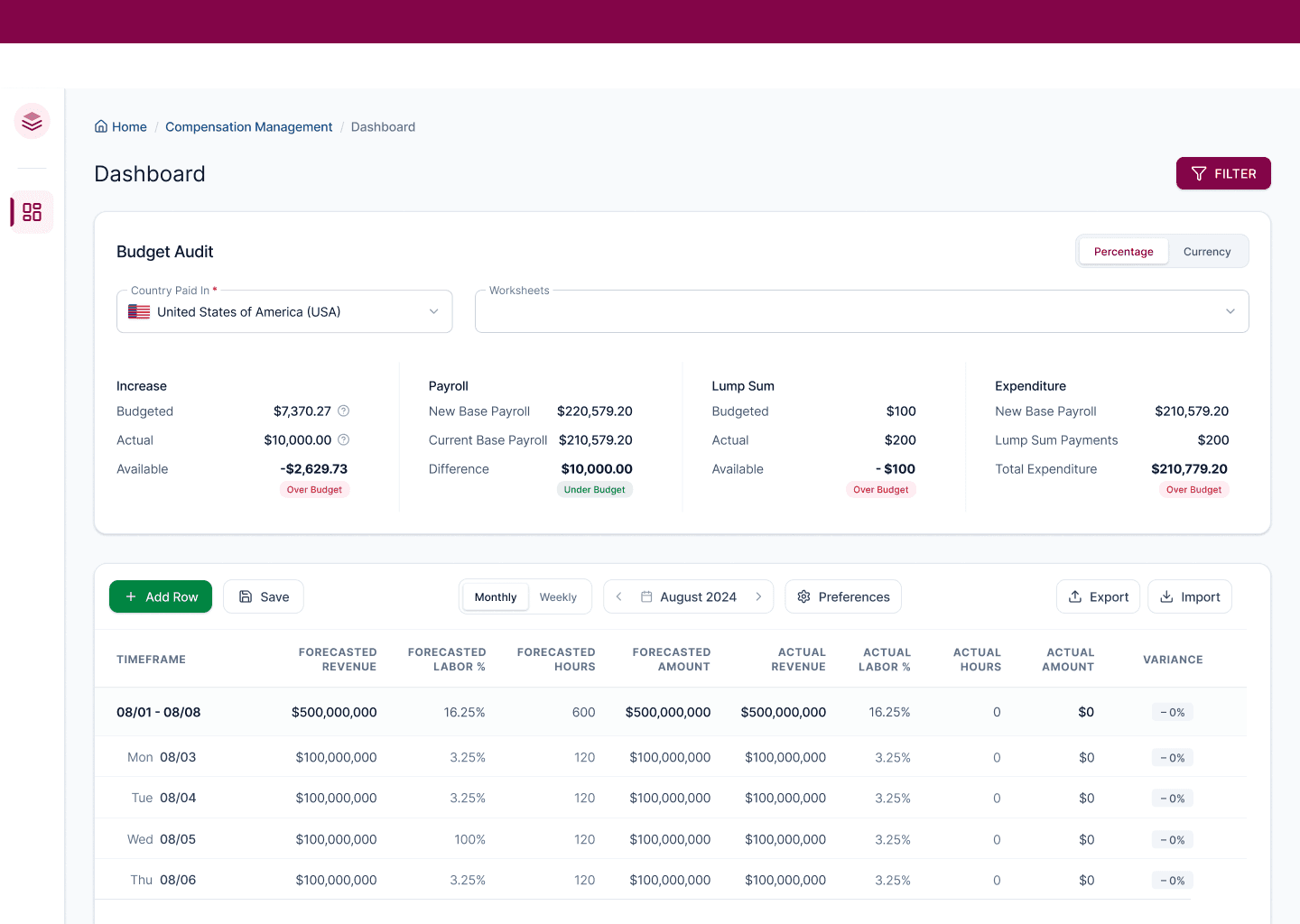
Parent: Labor Budgeting – Scheduled vs Actual vs BudgetedComparison views between scheduled, actual, and budgeted labor are limited and not consistently accessible across reports.Labor BudgetingData Reporting & Handling
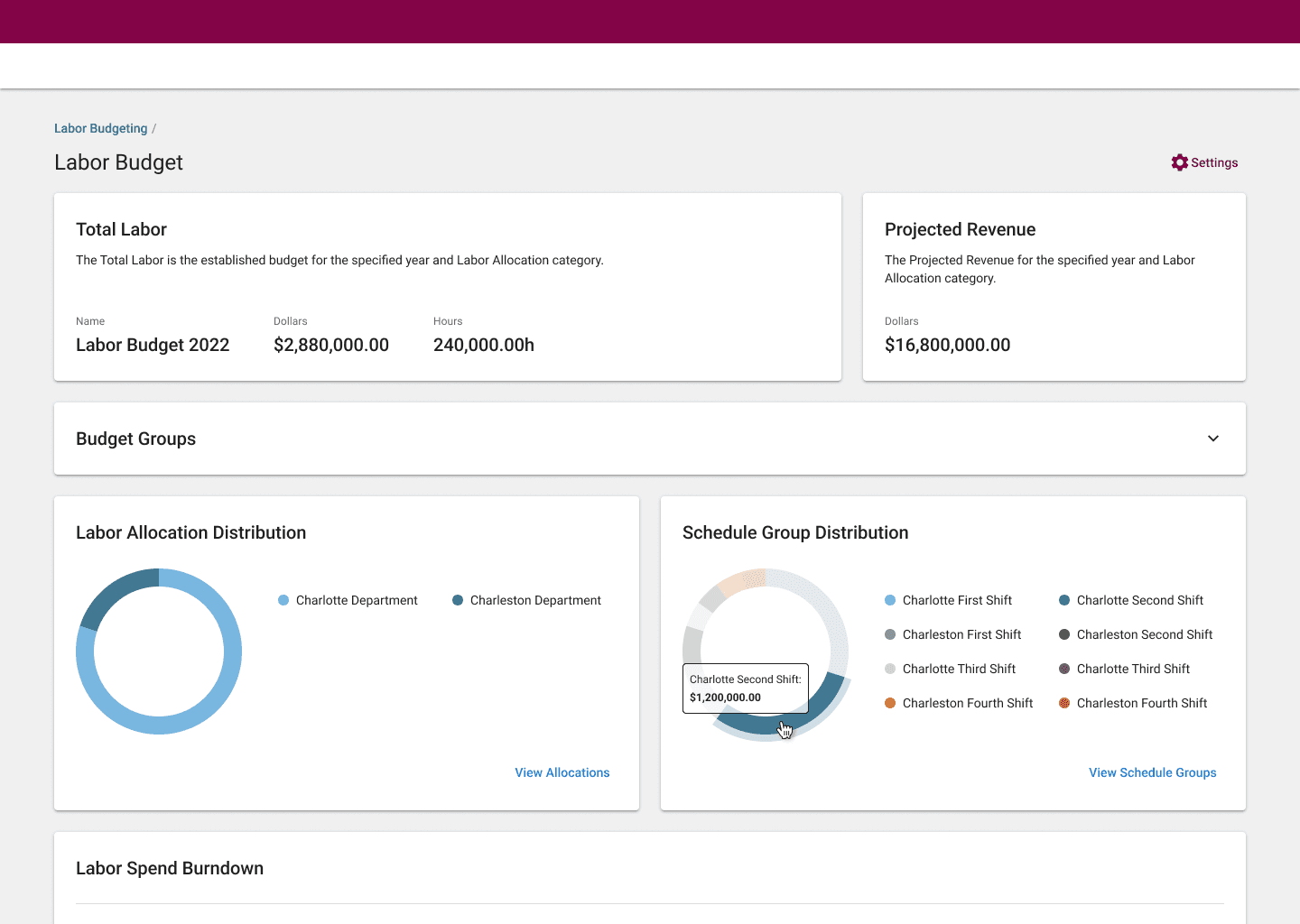
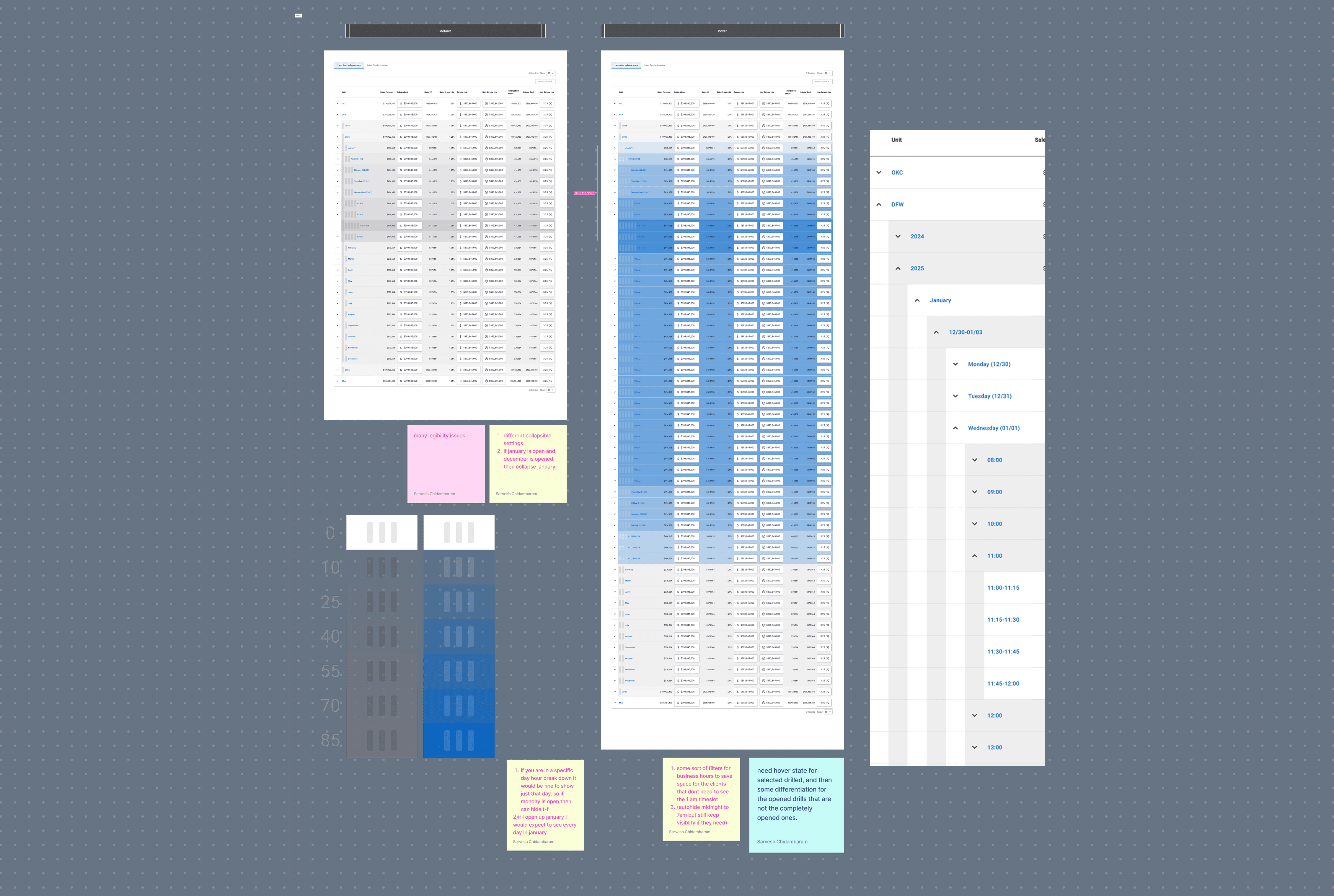
Parent: Labor Budget ReportCentralized labor budget reporting lacks flexibility in filters, drill-downs, and role-based access.Labor Budgeting
Adding a Shift Without Budget ConsiderationsCurrent functionality allows adding shifts on the Manage Schedules grid without validating against labor budget constraints.Labor BudgetingConfiguration
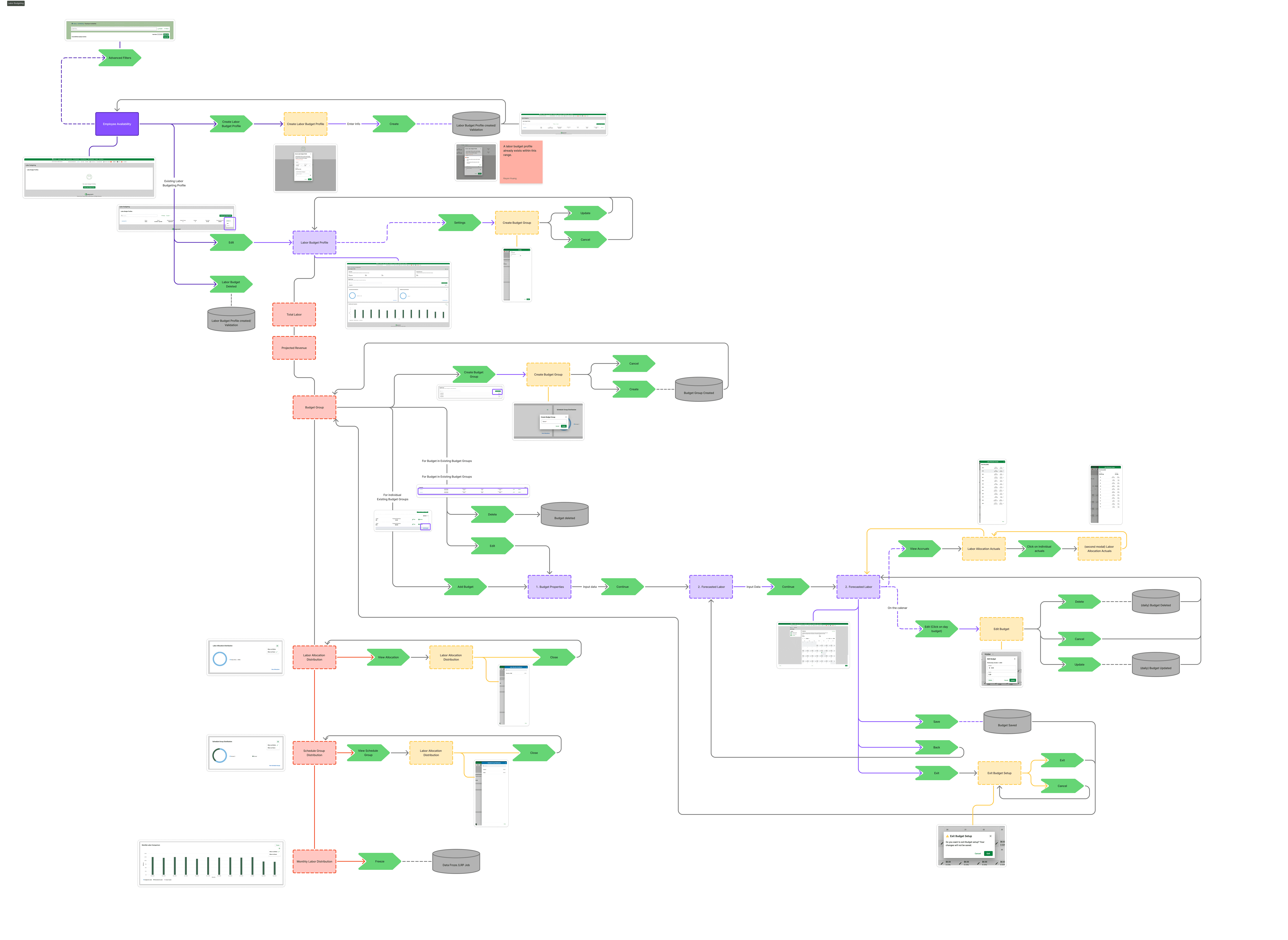
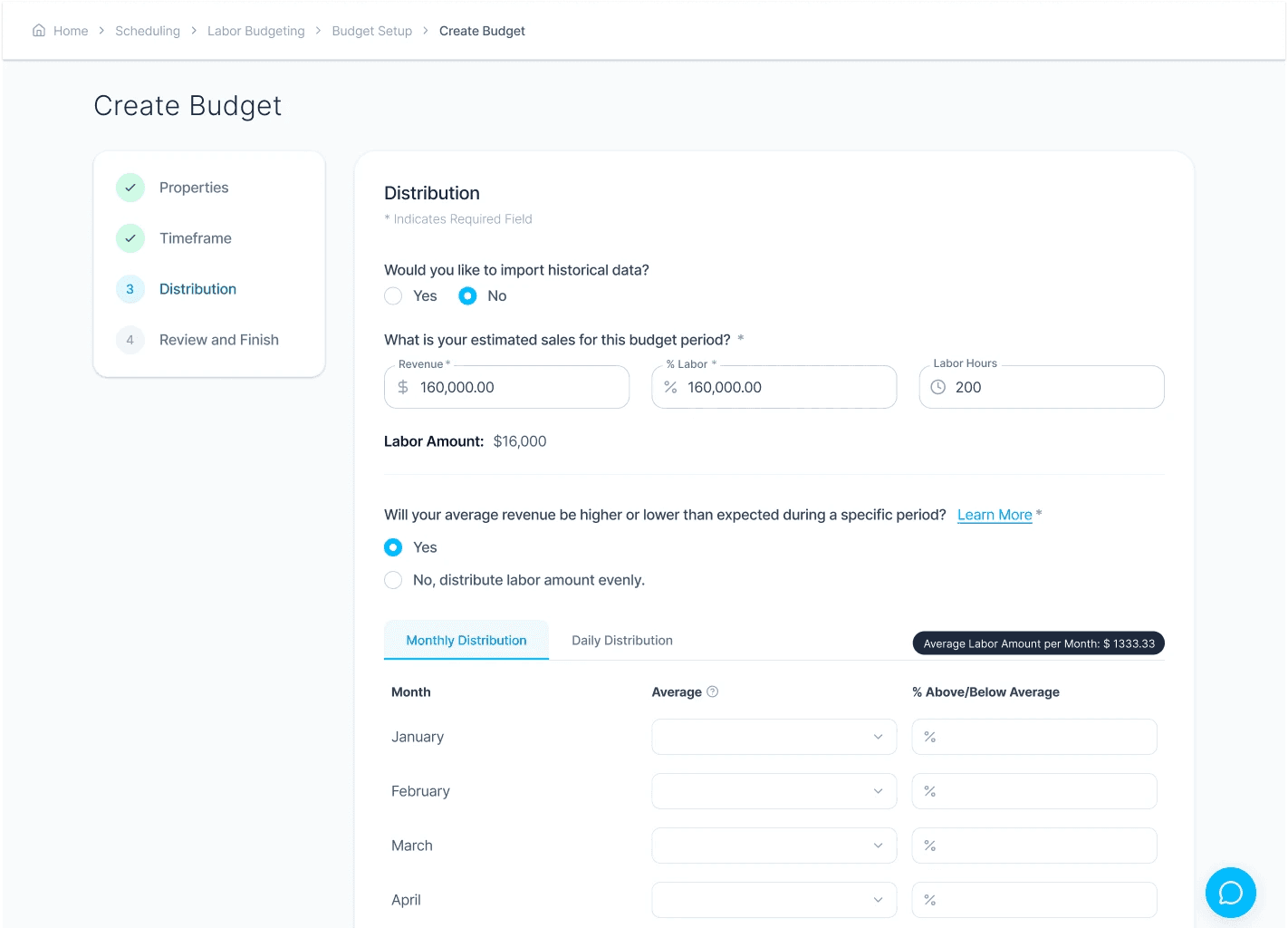
Importing Labor Budget OptionUsers need a standardized way to import labor budgets rather than relying on manual entry.Labor BudgetingUser Experience
Labor Budget User AccessUsers can view labor budgets even if it is not relevant to their role or section of the business.Labor BudgetingUser Experience
Totals Drawer Not Filtering CorrectlyTotals drawer does not properly respect applied filters, leading to incorrect labor totals being displayed.Labor BudgetingData Reporting & Handling
Forecast Planning – Sophisticated Scenario SupportLabor budgeting does not support if/then forecasting scenarios or multi-variable planning.Labor BudgetingData Reporting & Handling
Parent: Scheduling into OT WarningNo proactive warning when scheduling shifts that push employees into overtime.Labor BudgetingCommunication
Group Shifts Counting Toward TotalsGroup shifts are counted toward labor totals in ways that do not always align with how budgets are structured.Labor BudgetingData Reporting & Handling
Sum Labor Totals by Schedule GroupClients cannot view labor budget impact by individual schedule groups at the Manage Schedules level.Labor BudgetingData Reporting & Handling
Parent: Copying Budgets Month to MonthBudget duplication across months is manual and error-prone.Labor BudgetingUser Experience
Editing Shifts Does Not Recalculate Budget in Real TimeUpdating shift duration or role does not immediately recalculate labor budget impact.Labor BudgetingData Reporting & Handling
Labor Budget Visibility by LocationMulti-location businesses lack a clear way to view labor budgets scoped to a single location.Labor BudgetingUser Experience
No Audit Trail for Budget ChangesChanges to labor budgets are not logged, making it difficult to track accountability.Labor BudgetingData Reporting & Handling
Scheduled PTO vs Worked PTO AmbiguityScheduled PTO and worked PTO are combined in reporting, obscuring true labor cost.Labor BudgetingData Reporting & Handling
Labor Budget Alerts Lack Threshold CustomizationBudget alerts do not allow configurable thresholds by department or role.Labor BudgetingCommunication
Inconsistent Budget Application Across RolesLabor budgets applied at the role level do not consistently roll up into department totals.Labor BudgetingConfiguration
Forecast Does Not Account for Historical SeasonalityLabor forecasts do not leverage prior-year seasonality patterns.Labor BudgetingData Reporting & Handling
Budget Overages Only Visible in ReportsManagers only see labor overages after the fact, not during schedule creation.Labor BudgetingUser Experience
No Weekly Labor Budget LockOnce a week starts, budgets remain editable, leading to reporting drift.Labor BudgetingConfiguration
Role-Based Budget Editing PermissionsBudget editing is not granular enough to restrict changes to specific roles or departments.Labor BudgetingUser Experience
Excluding PTO on MS Grid is Not Real Time Effecting Labor TotalsPTO hours count toward the employee’s labor totals even when excluded from the Manage Schedules grid, causing confusion in real-time labor tracking.Labor BudgetingData Reporting & Handling
Labor Budgeting – Projected Revenue by WeekCurrent functionality does not support incremental uploads for labor budgets by period or week. Retail clients need weekly updates due to fluctuating demand.Labor BudgetingData Reporting & Handling
Parent: Labor Budgeting – Scheduled vs Actual vs BudgetedComparison views between scheduled, actual, and budgeted labor are limited and not consistently accessible across reports.Labor BudgetingData Reporting & Handling
Parent: Labor Budget ReportCentralized labor budget reporting lacks flexibility in filters, drill-downs, and role-based access.Labor Budgeting
Adding a Shift Without Budget ConsiderationsCurrent functionality allows adding shifts on the Manage Schedules grid without validating against labor budget constraints.Labor BudgetingConfiguration
Importing Labor Budget OptionUsers need a standardized way to import labor budgets rather than relying on manual entry.Labor BudgetingUser Experience
Labor Budget User AccessUsers can view labor budgets even if it is not relevant to their role or section of the business.Labor BudgetingUser Experience
Totals Drawer Not Filtering CorrectlyTotals drawer does not properly respect applied filters, leading to incorrect labor totals being displayed.Labor BudgetingData Reporting & Handling
Forecast Planning – Sophisticated Scenario SupportLabor budgeting does not support if/then forecasting scenarios or multi-variable planning.Labor BudgetingData Reporting & Handling
Parent: Scheduling into OT WarningNo proactive warning when scheduling shifts that push employees into overtime.Labor BudgetingCommunication
Group Shifts Counting Toward TotalsGroup shifts are counted toward labor totals in ways that do not always align with how budgets are structured.Labor BudgetingData Reporting & Handling
Sum Labor Totals by Schedule GroupClients cannot view labor budget impact by individual schedule groups at the Manage Schedules level.Labor BudgetingData Reporting & Handling
Parent: Copying Budgets Month to MonthBudget duplication across months is manual and error-prone.Labor BudgetingUser Experience
Editing Shifts Does Not Recalculate Budget in Real TimeUpdating shift duration or role does not immediately recalculate labor budget impact.Labor BudgetingData Reporting & Handling
Labor Budget Visibility by LocationMulti-location businesses lack a clear way to view labor budgets scoped to a single location.Labor BudgetingUser Experience
No Audit Trail for Budget ChangesChanges to labor budgets are not logged, making it difficult to track accountability.Labor BudgetingData Reporting & Handling
Scheduled PTO vs Worked PTO AmbiguityScheduled PTO and worked PTO are combined in reporting, obscuring true labor cost.Labor BudgetingData Reporting & Handling
Labor Budget Alerts Lack Threshold CustomizationBudget alerts do not allow configurable thresholds by department or role.Labor BudgetingCommunication
Inconsistent Budget Application Across RolesLabor budgets applied at the role level do not consistently roll up into department totals.Labor BudgetingConfiguration
Forecast Does Not Account for Historical SeasonalityLabor forecasts do not leverage prior-year seasonality patterns.Labor BudgetingData Reporting & Handling
Budget Overages Only Visible in ReportsManagers only see labor overages after the fact, not during schedule creation.Labor BudgetingUser Experience
No Weekly Labor Budget LockOnce a week starts, budgets remain editable, leading to reporting drift.Labor BudgetingConfiguration
Role-Based Budget Editing PermissionsBudget editing is not granular enough to restrict changes to specific roles or departments.Labor BudgetingUser Experience